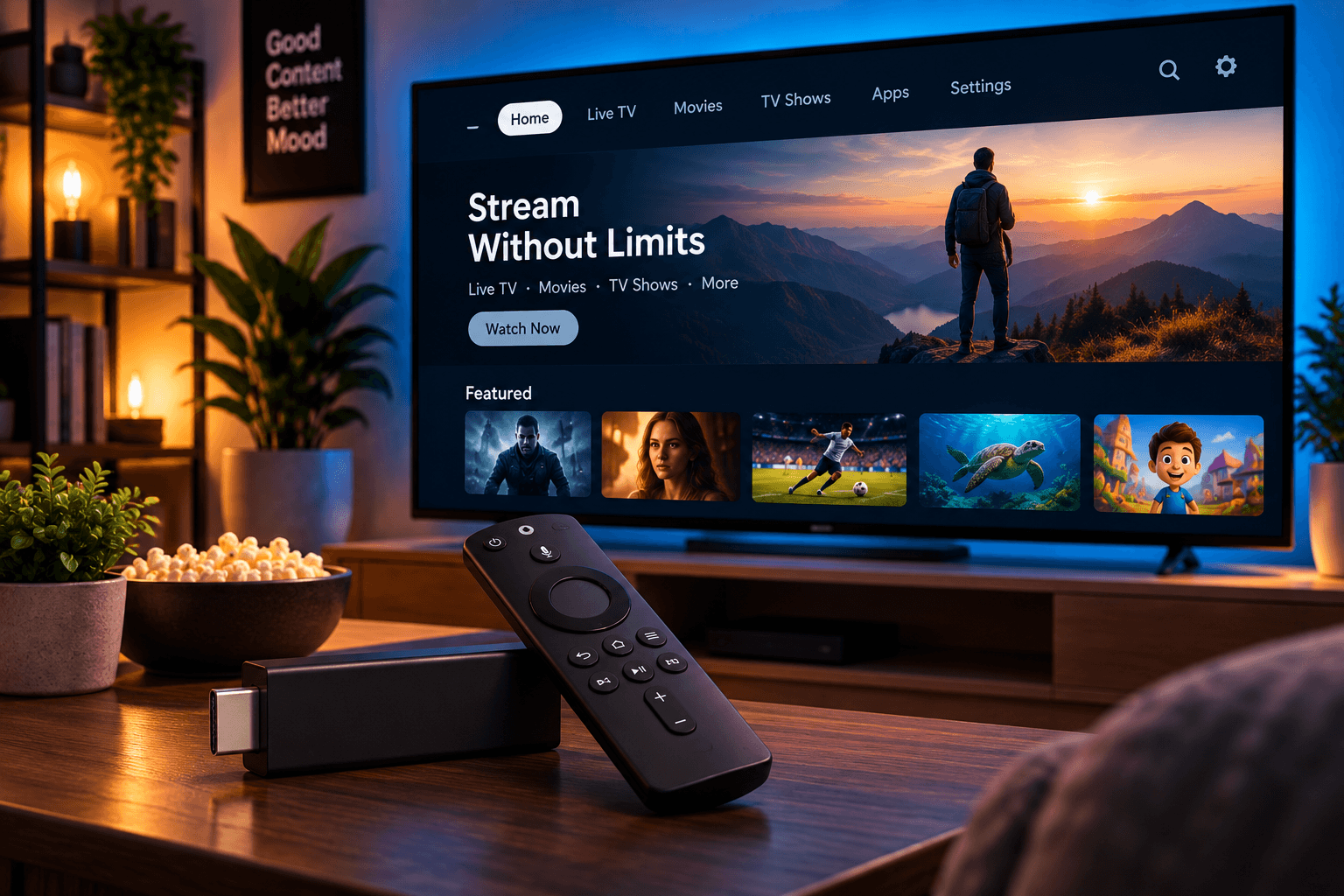
Choosing an IPTV Player App for Fire TV
What to consider when picking a player app for your Fire TV device, and how it connects to your subscription.
Fire TV devices run apps through the Amazon Appstore, and picking the right player app is an important part of a smooth streaming setup. Here's what actually matters when making that choice.
Start With What Your Provider Recommends
Your subscription provider should clearly point you toward a supported player app for Fire TV. Using an app outside of what's recommended can lead to unnecessary compatibility issues.
What to Look for in a Player App
- Straightforward sign-in using your account details
- Stable performance without frequent crashes
- Reasonable navigation that doesn't feel cluttered
Installing the App
From your Fire TV home screen, use the Find and Search options to locate the recommended app in the Amazon Appstore, then select Download or Get to install it.
For the full walkthrough, see our step-by-step guide on how to set up IPTV on Firestick.Frequently Asked Questions
Can I use more than one player app on the same Fire TV?
Yes, you can install multiple apps, though you should only need the one recommended by your provider for day-to-day use.
What if the app isn't available in my region's Appstore?
Reach out to your provider's support team through our Contact page for guidance specific to your situation.
Do I need to update the app regularly?
Yes, keeping the app updated helps ensure compatibility and stability, and the Amazon Appstore typically handles this automatically if updates are enabled.
Final Thoughts
Choosing the right player app for Fire TV is mostly about following your provider's guidance and keeping the app updated. Once installed, day-to-day use should feel simple and consistent.