
BestIPTVFast — Simple Streaming, Built for Every Screen
BestIPTVFast is a subscription-based streaming service designed around a fast setup and dependable day-to-day use. Choose a plan, connect a supported device, and start streaming with a straightforward, modern experience.
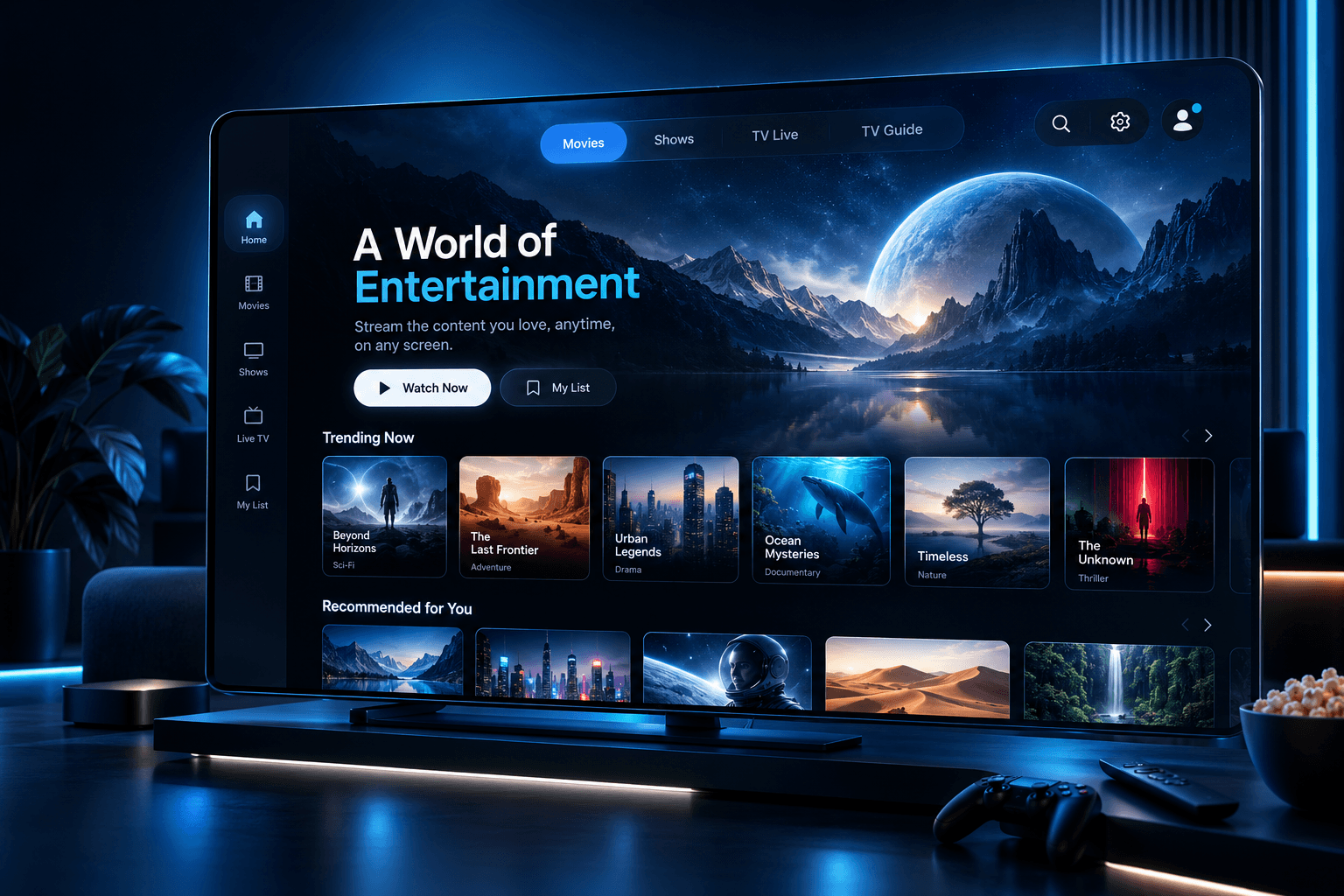
Fast, Guided Setup
Get your account connected on a supported device in just a few steps.
Reliable by Design
A streamlined platform built around consistency and ease of use.
Real Customer Support
Reach a support team when you have setup or account questions.
A modern platform, built around simplicity
We focus on the fundamentals that make streaming enjoyable: a fast setup, dependable performance, and support that actually helps when you need it.
Fast Onboarding
Go from choosing a plan to streaming on your device in just a few guided steps.
Multi-Device Compatibility
Use your account on a range of supported Smart TVs, streaming boxes, and personal devices.
Simple Account Management
Manage your subscription and access without unnecessary complexity.
Straightforward Setup
Clear, step-by-step guidance for every supported device category.
Support When You Need It
Our support team is available to help with setup and account questions.
Modern, Maintained Platform
A service designed and maintained with reliability and usability in mind.
Stream on the devices you already own
BestIPTVFast is built to work across the screens in your home and on the go.
Smart TVs
Stream directly on your Smart TV using a supported app or player, without extra hardware.
Android TV
Use the Google Play Store to install a supported app and sign in on any Android TV device.
Fire TV
Get set up quickly on Amazon Fire TV Stick and Fire TV Cube devices via the Amazon Appstore.
Mobile Devices
Watch on the go with apps available for both Android and iOS phones and tablets.
Desktop
Stream from a browser or a supported media player on Windows and Mac computers.
Apple TV
Install a supported app from the App Store and sign in to stream on your Apple TV.
Streaming in three simple steps
We designed the process to be quick and easy to follow, from checkout to your first stream.
Choose a plan
Compare our subscription options and select the one that fits your needs.
Receive your access details
Get the account information you need to sign in on your device.
Start streaming
Install a supported app on your device and start streaming right away.
Clear, simple pricing
Choose the subscription length that fits your household. No hidden fees, no confusing tiers.
1 Month
€20.00 per month · Billed every month
Perfect for trying the service with no long-term commitment.
- Full access to your subscription
- Multi-device compatibility
- Standard customer support
- Simple account management
3 Months
€11.67 per month · Billed every 3 months
A solid choice if you want to plan a few months ahead.
- Everything in Monthly
- Lower effective monthly cost
- Priority email support
- Simple account management
6 Months
€7.50 per month · Billed every 6 months
The best balance of flexibility and value for most customers.
- Everything in Quarterly
- Best balance of value and flexibility
- Priority email support
- Simple account management
12 Months
€5.42 per month · Billed every 12 months
Our lowest effective monthly cost for long-term use.
- Everything in Semi-Annual
- Lowest effective monthly cost
- Priority email support
- Simple account management
Common questions
BestIPTVFast is a streaming subscription service that gives you access to your account on a range of supported devices. We focus on a fast, simple setup process and straightforward account management.
After you choose a plan and complete your order, you'll receive the account details needed to sign in on a supported device. From there, you can install a compatible app or player and start streaming.
We support Smart TVs (Samsung and LG), Android TV, Fire TV, Android phones and tablets, iPhone and iPad, Windows, and Mac. Visit our Devices page for setup details on each platform.
Choose a subscription plan on our Subscription page, complete your order, and follow the setup instructions you receive. Our How It Works page walks through each step in more detail.
Setup is designed to be quick and straightforward. Most customers are able to install a supported app and sign in within a few minutes, depending on their device and internet connection.
Guides and tips for a better streaming setup
Original setup walkthroughs, troubleshooting guides, and streaming tips.

How to Set Up IPTV on a Samsung Smart TV
A step-by-step walkthrough for getting your subscription running on a Samsung Smart TV, from app installation to your first stream.
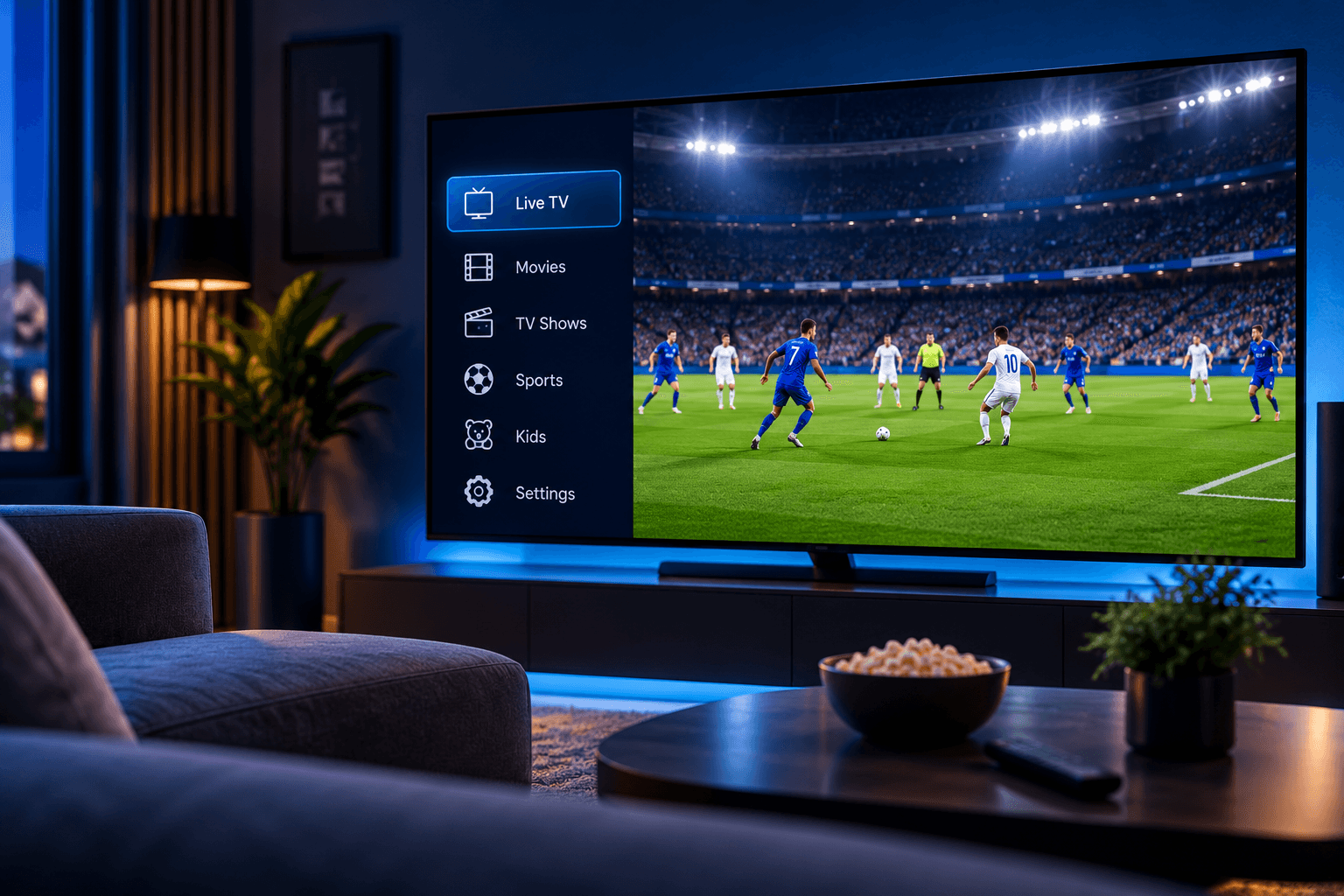
How to Set Up IPTV on an LG Smart TV (webOS)
Setting up your subscription on an LG webOS Smart TV is quick once you know where to look. Here's the full process.
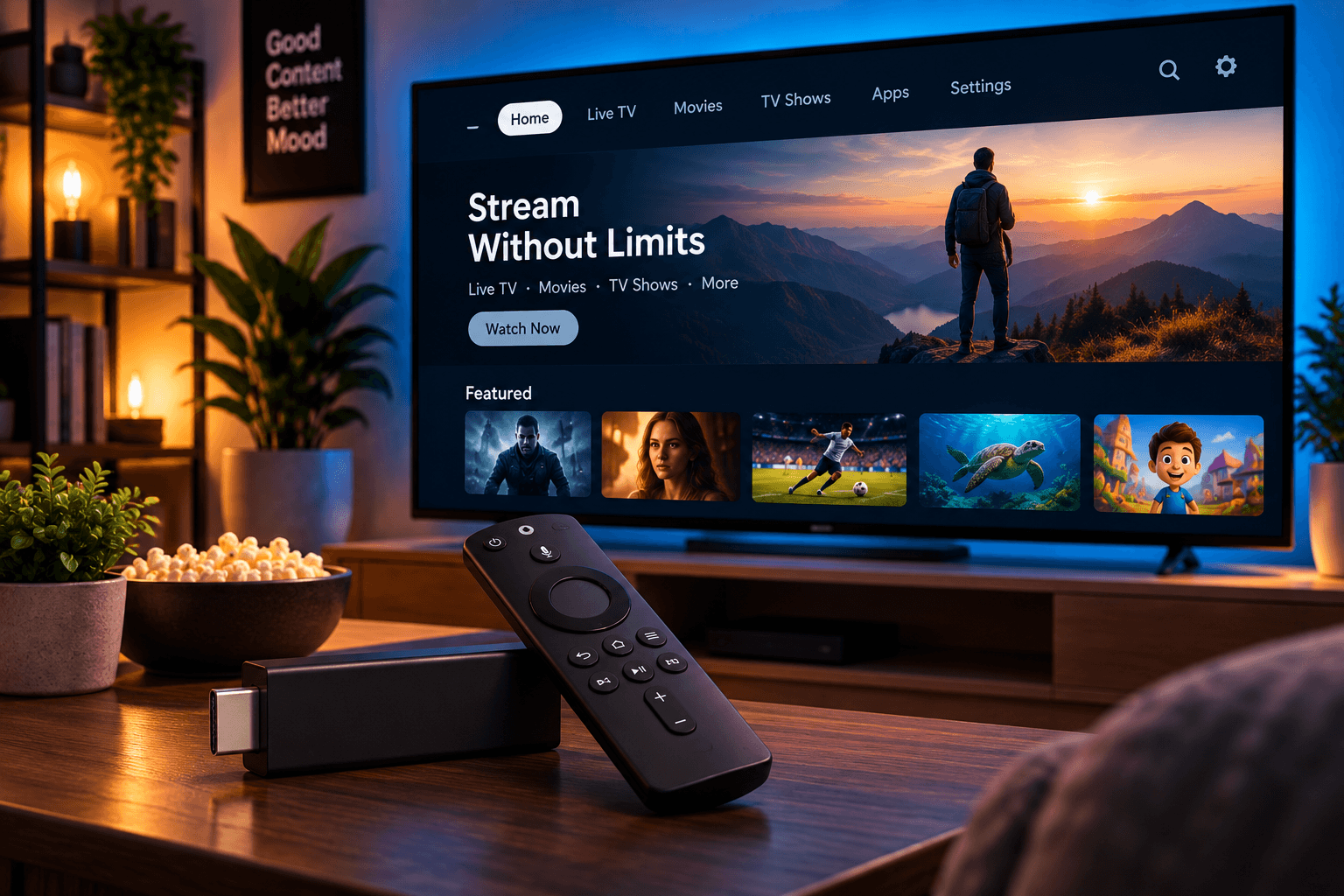
How to Set Up IPTV on Amazon Fire TV Stick
Amazon's Fire TV Stick is one of the easiest ways to get streaming. Here's how to get your subscription installed and running.
Ready to start streaming?
Compare our subscription plans and find the option that fits your household.